
Items 0
Total Price
Loyalty Points
Ideas & inspiration ·
A montage frame works best when the photos feel like they belong together. Here is how to pick the right ones and arrange them so the whole frame reads as one picture.
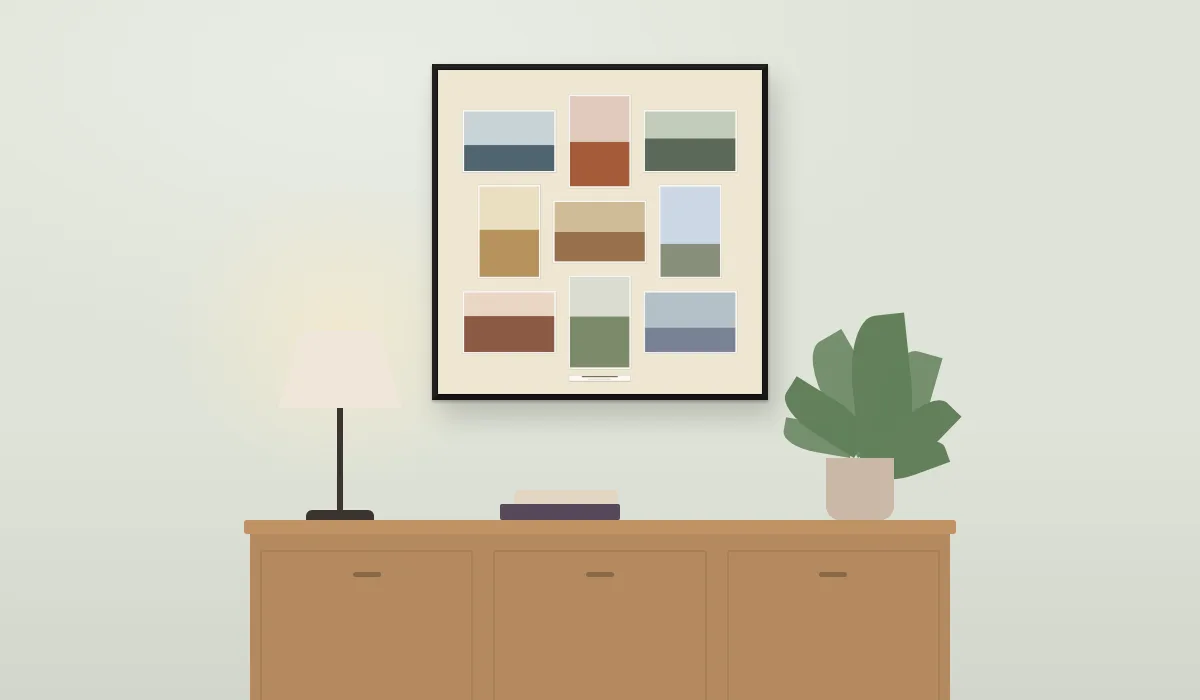
A montage frame (also called a collage or multi aperture frame) gives every photo its own opening in the mount, so a set of pictures hangs together as a single piece. The frame does the hard work of spacing and lining everything up. What makes it look really good is the choice of photos and where each one goes.
The montages people love most tell one story: a wedding day, a holiday, a year in the life of a child, a team's season. Photos from the same event share light, colours and faces, and that is what makes them look like a set rather than a pile of prints.
If you are mixing occasions, give them something in common instead: all black and white, all taken outdoors, or one photo of each grandchild.
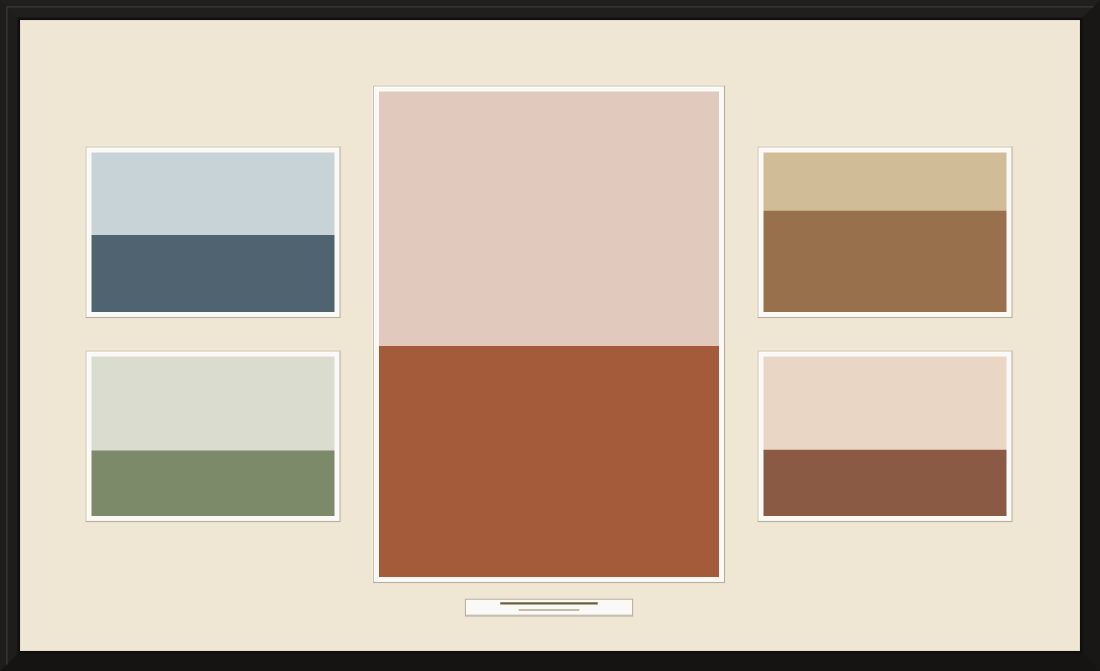
Every good montage has one photo the eye goes to first. Pick your strongest picture (the one you would frame on its own) and give it the largest or most central opening. Layouts such as the A4 and 6x4 frame with a title box are built around exactly that: one big portrait with smaller photos either side.
Where all the openings are the same size, put the anchor in the middle of the grid.
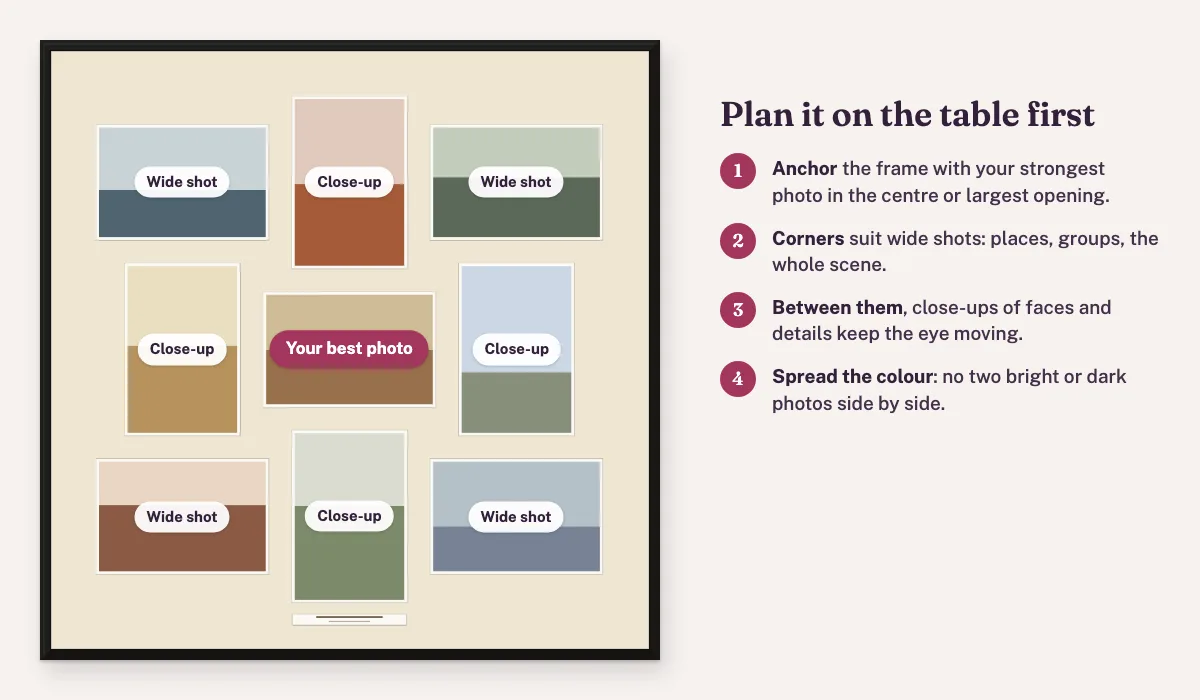
A frame full of group photos can look busy, and a frame full of faces can feel cramped. Aim for a mix:
Each opening is either portrait (taller than wide) or landscape (wider than tall). Sort your prints into two piles before you start, and choose a layout with roughly the right number of each. If most of your photos are landscape, a layout of landscape openings saves you cropping people out.
Square openings (4x4 and 5x5) are the most forgiving: almost any photo can be cropped to a square, and phone photos often look best that way.
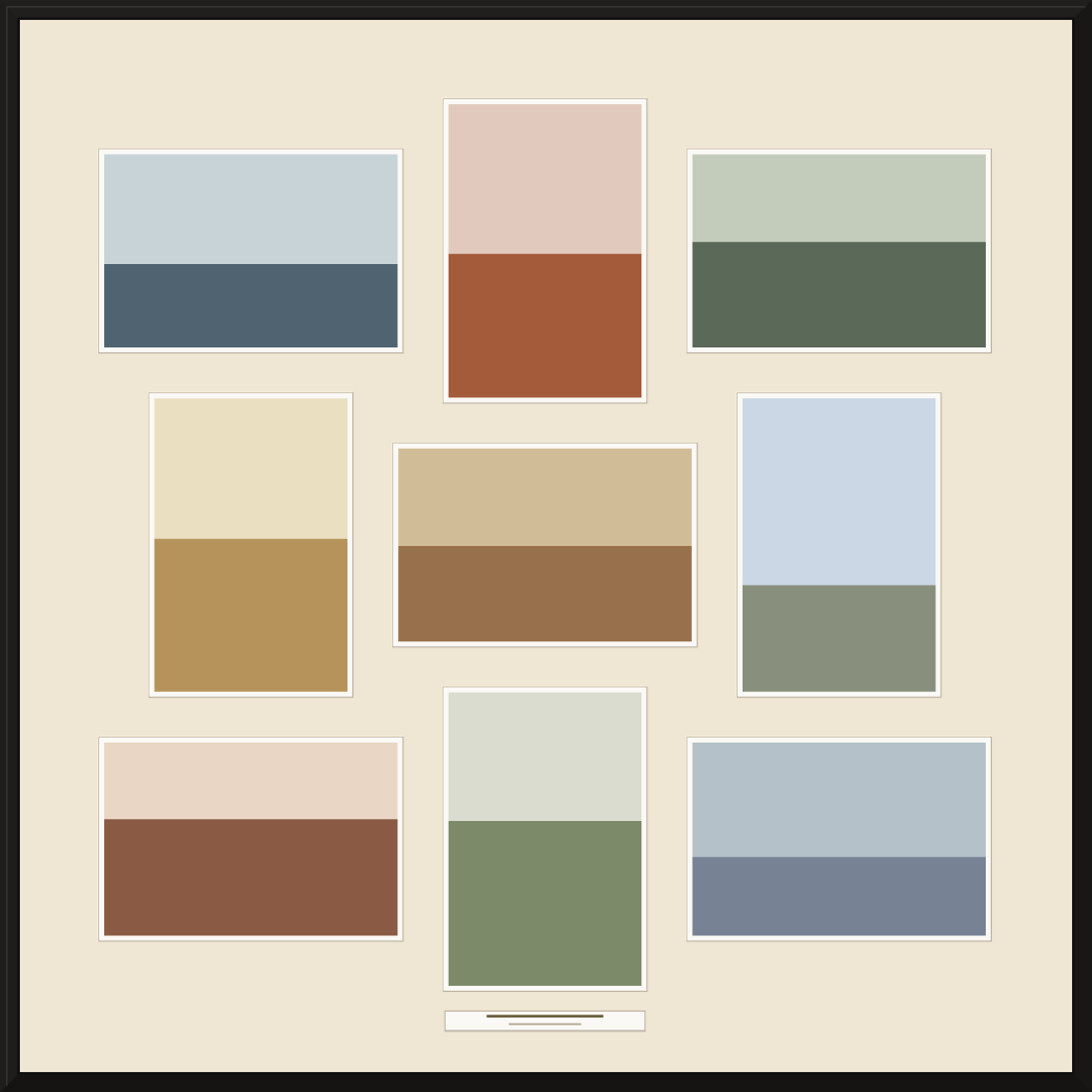
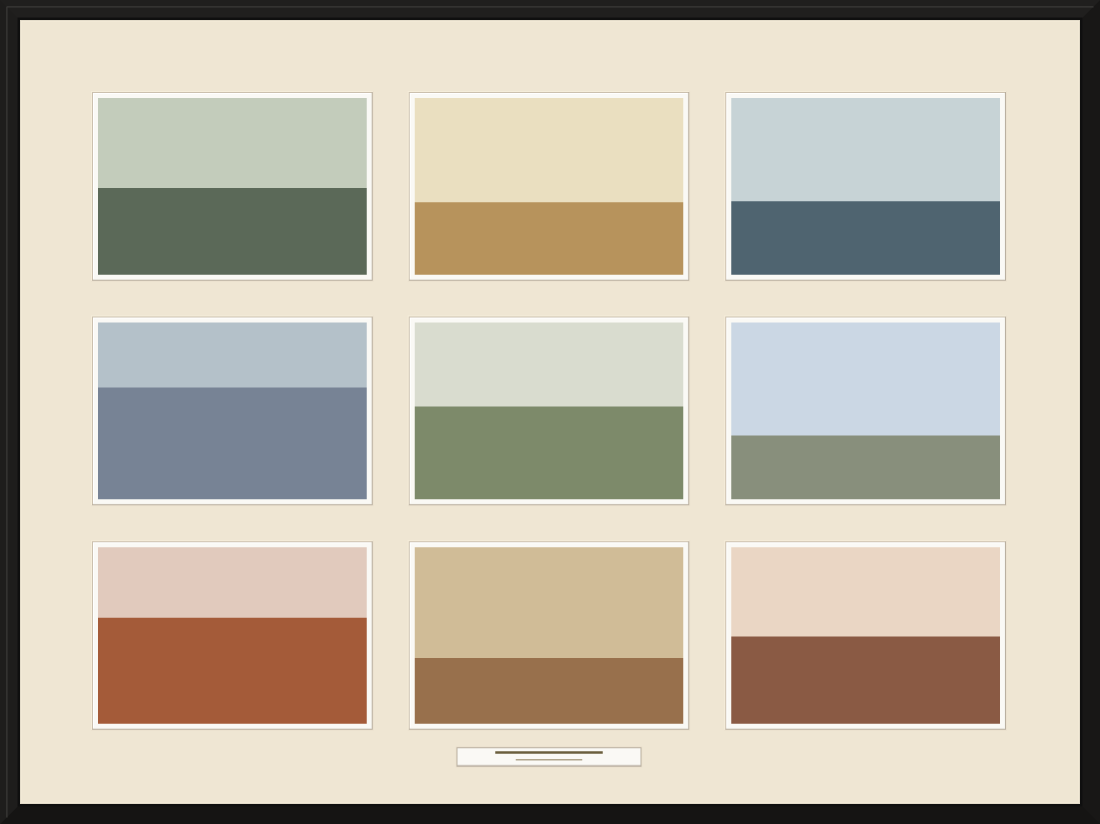
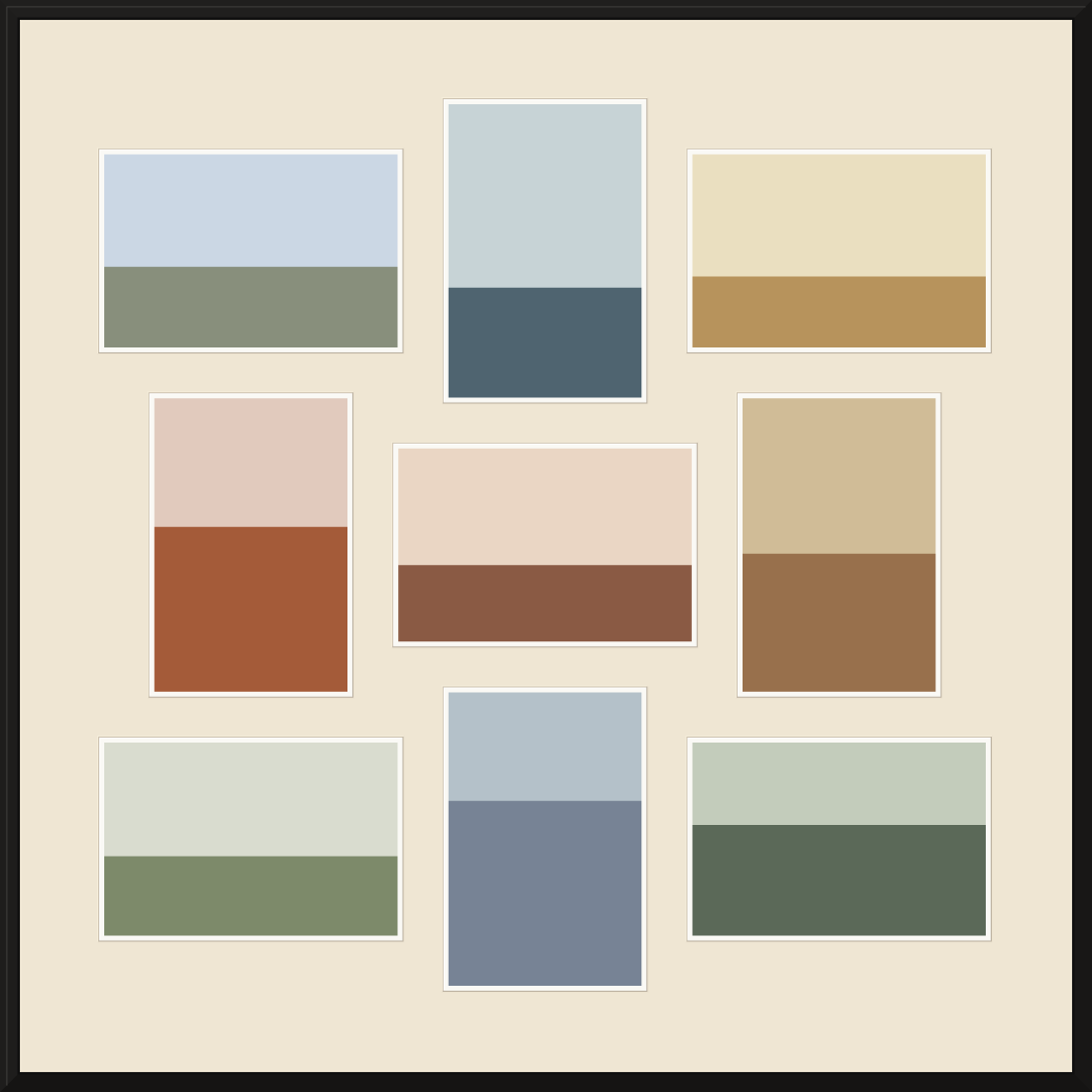
Lay your prints out and squint at them. If two very bright or very dark photos sit side by side, the frame will feel lopsided. Swap them around until the colour is spread evenly. A run of blue sea photos along the top and green garden photos along the bottom looks deliberate; one green photo stuck among the blues looks like a mistake.
The mount colour matters too. Snow White and Off White suit bright, colourful photos; Ivory warms up older or sepia prints; Black makes colours glow and suits black and white photos especially well.
Have a few more prints than openings. When your frame arrives, take out the mount, lay it on a table and slide the prints underneath to try different arrangements. Take a photo of each arrangement on your phone so you can compare them side by side.
Remember the openings cover each photo by about 3mm on every side, so keep heads and important details away from the very edge of the print.
Once you are happy, tape each photo to the back of the mount along its top edge with a paper tape such as kraft tape: half the tape on the photo, half showing, then press the mount down onto it. Taping along the top only lets the photo hang flat. Put the mount back in the frame, close the backing and hang it.
Count the photos you want to show, check their sizes and decide whether you would like a title box for a few words. Then browse the montage photo frames, the collage frames for 6 photos or more or every layout. Each layout page shows the finished size of the frame, so you can check it fits your wall.
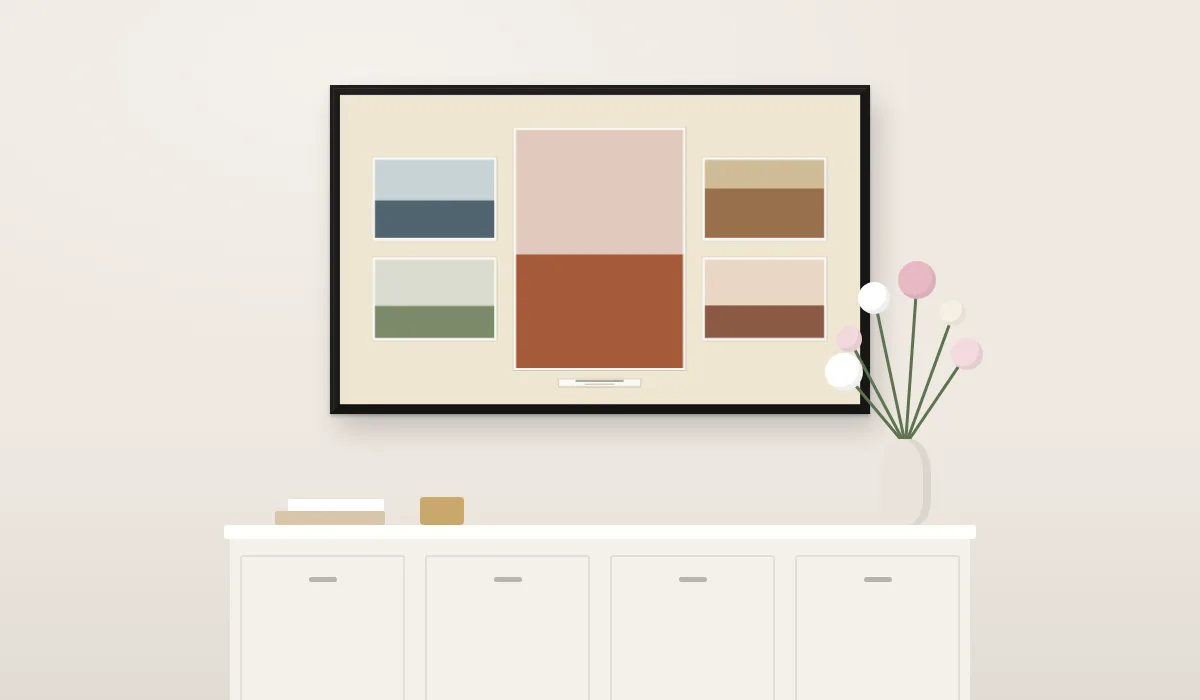 Wedding Photo Montage Frame IdeasHundreds of wedding photos, and room on the wall for one frame. A montage lets you keep the portrait and the moments around it, together in one piece.Read more
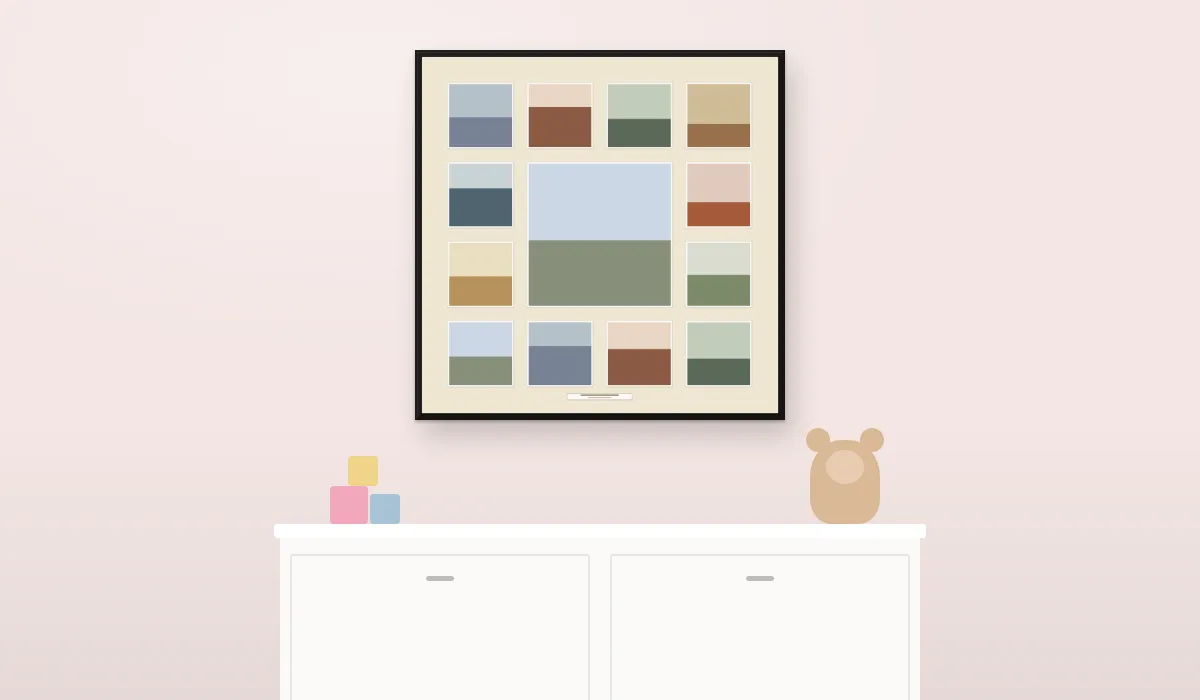 Baby's First Year Photo Frame: A Photo for Every MonthTwelve months, twelve photos and one newborn picture in the middle: a first year frame shows how much a baby changes, all at a glance.Read more
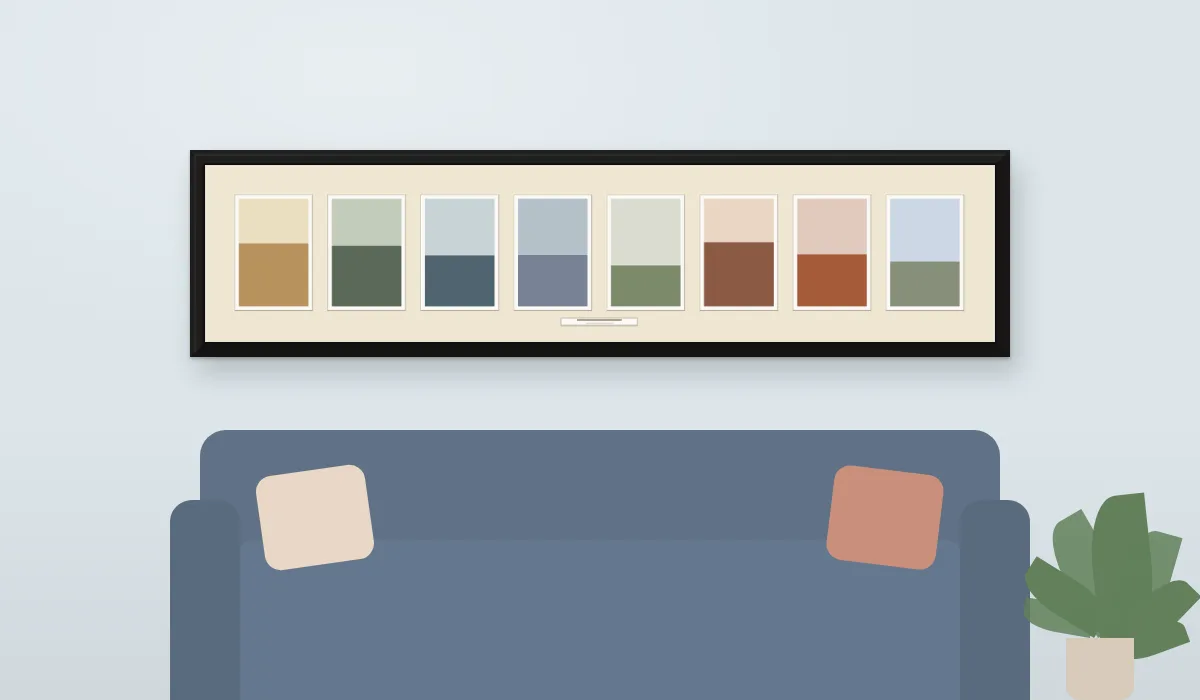 Turn Your Holiday Photos into a Collage FrameMost holiday photos never leave the phone. A collage frame gets the best of them onto the wall, where they bring back the trip every time you walk past.Read more